Swap
A crypto-to-crypto swap is one linked event with an outgoing and an incoming leg, not a fake sale followed by a fake purchase.
Swapping BTC for SOL does not need a fake fiat leg.
 Private portfolio tracker
A private, no-account portfolio tracker for crypto, stocks, ETFs and cash. A real ledger, live prices, performance charts and a tax return report you can export as a PDF.
Multiplatform. Android: in testing. iOS: in development.
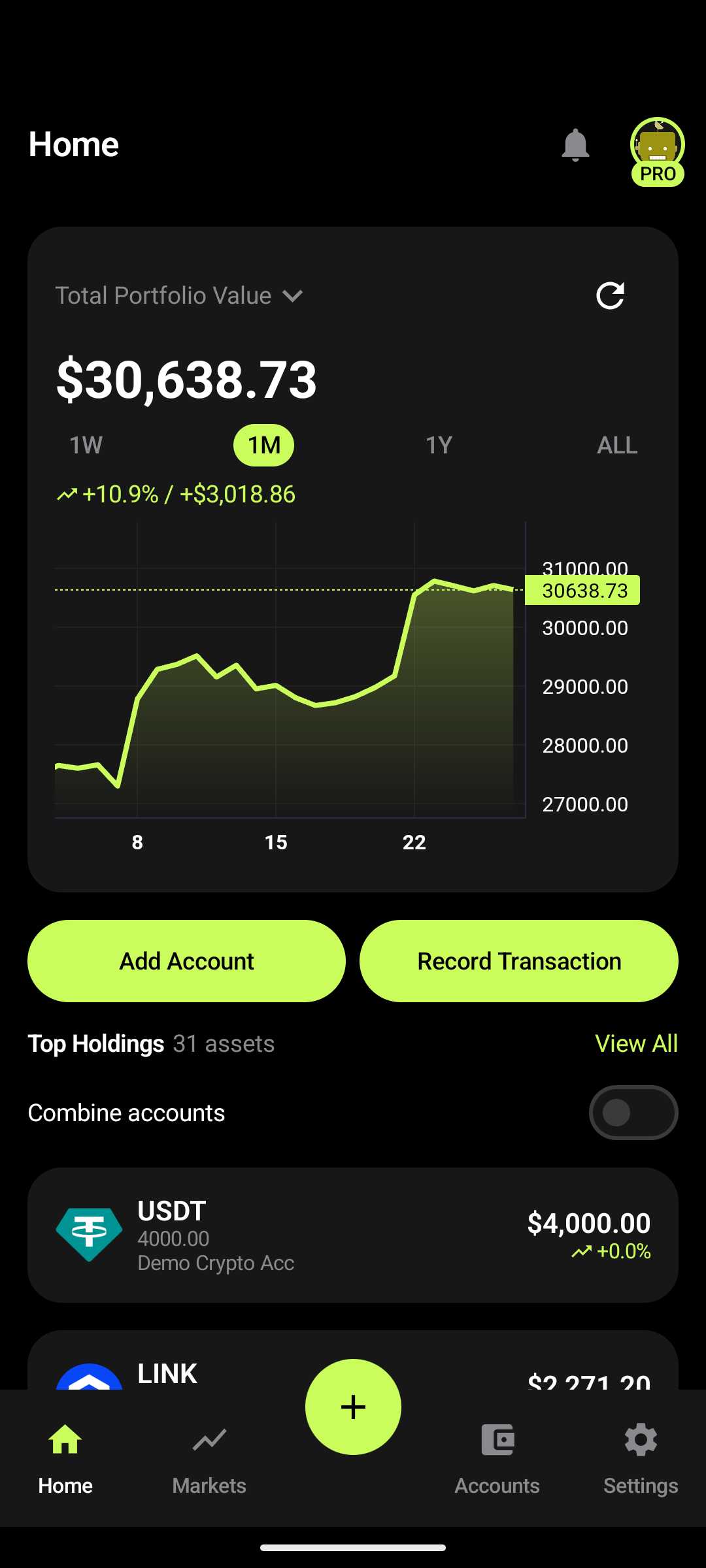
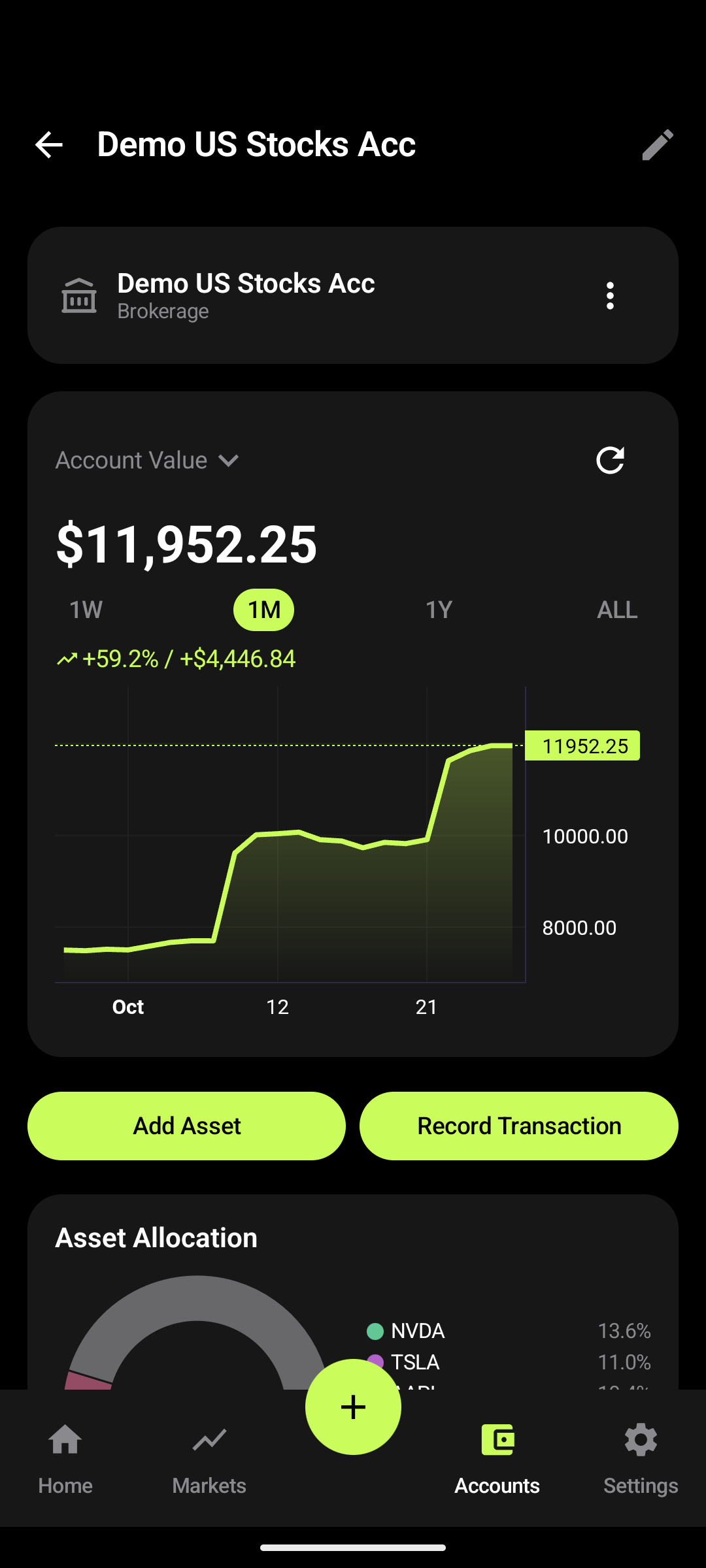
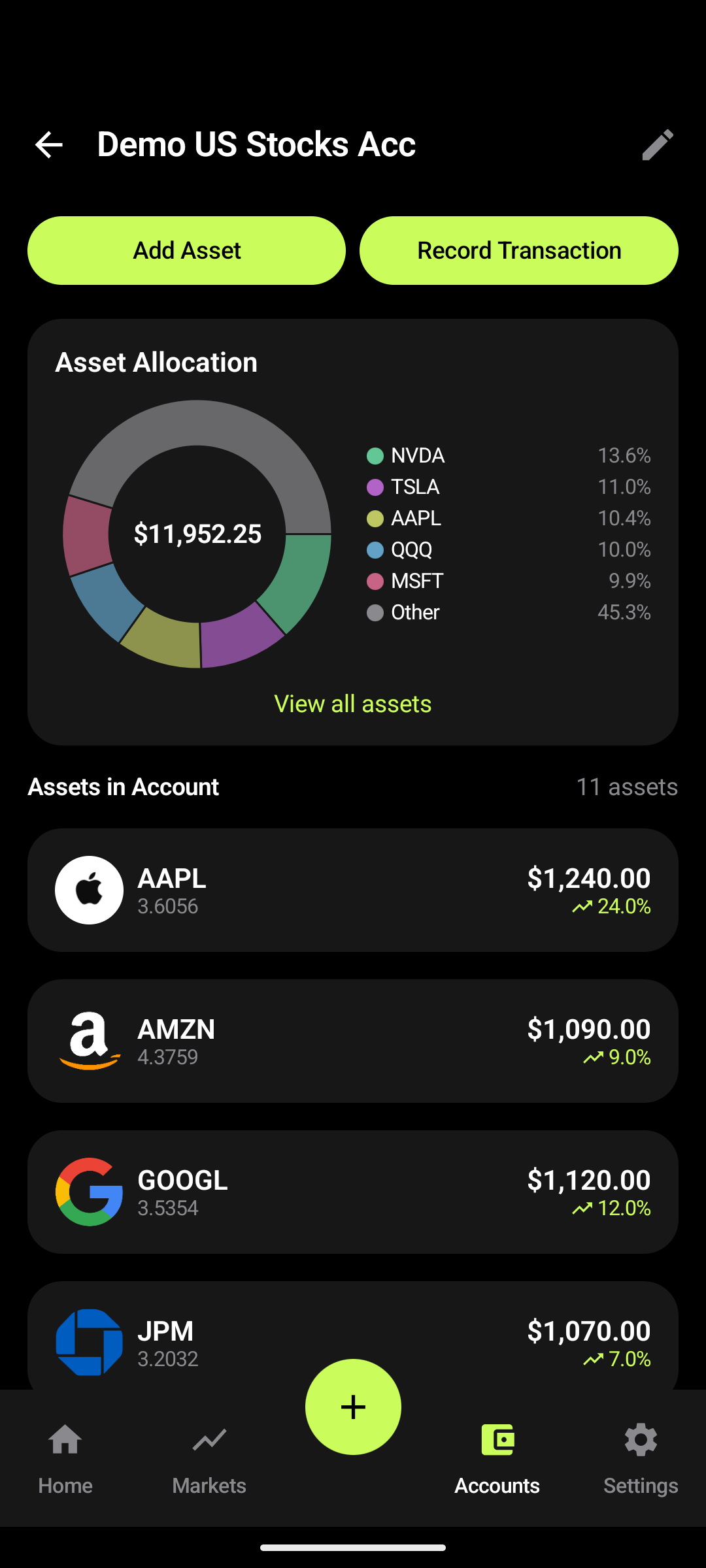
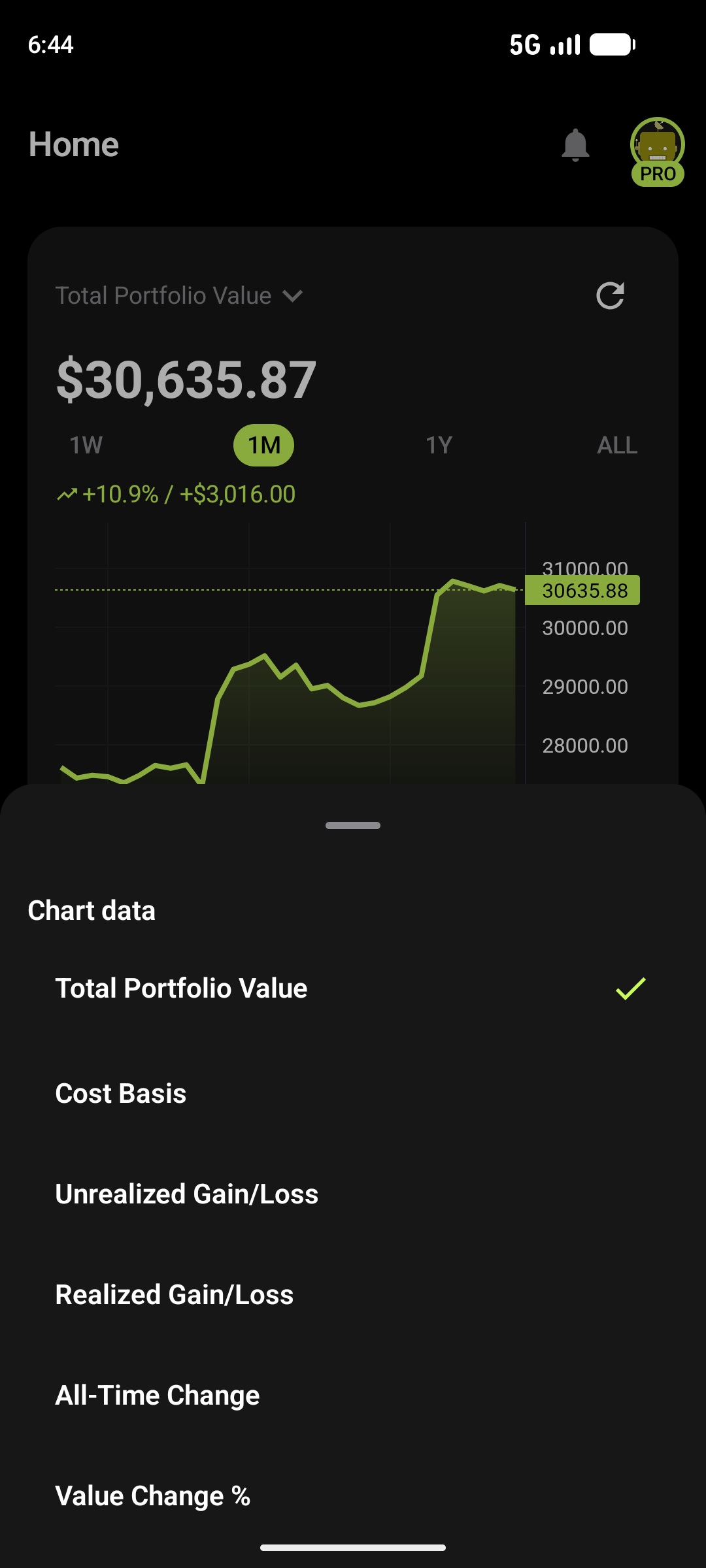
Most portfolio trackers want an account, a bank connection or your email address before they show you a number. BareInvestfolio doesn't.
Brokerage, bank, exchange, wallet or cash. Load the demo data first if you want to look around.
Buys, sells, swaps, transfers, dividends. Or import a CSV from MSP or BareInvestfolio.
Live value, performance by period, allocation, and a tax return report ready to export.
1 of 11
Swipe, scroll, or use the arrow keys while the gallery is focused.
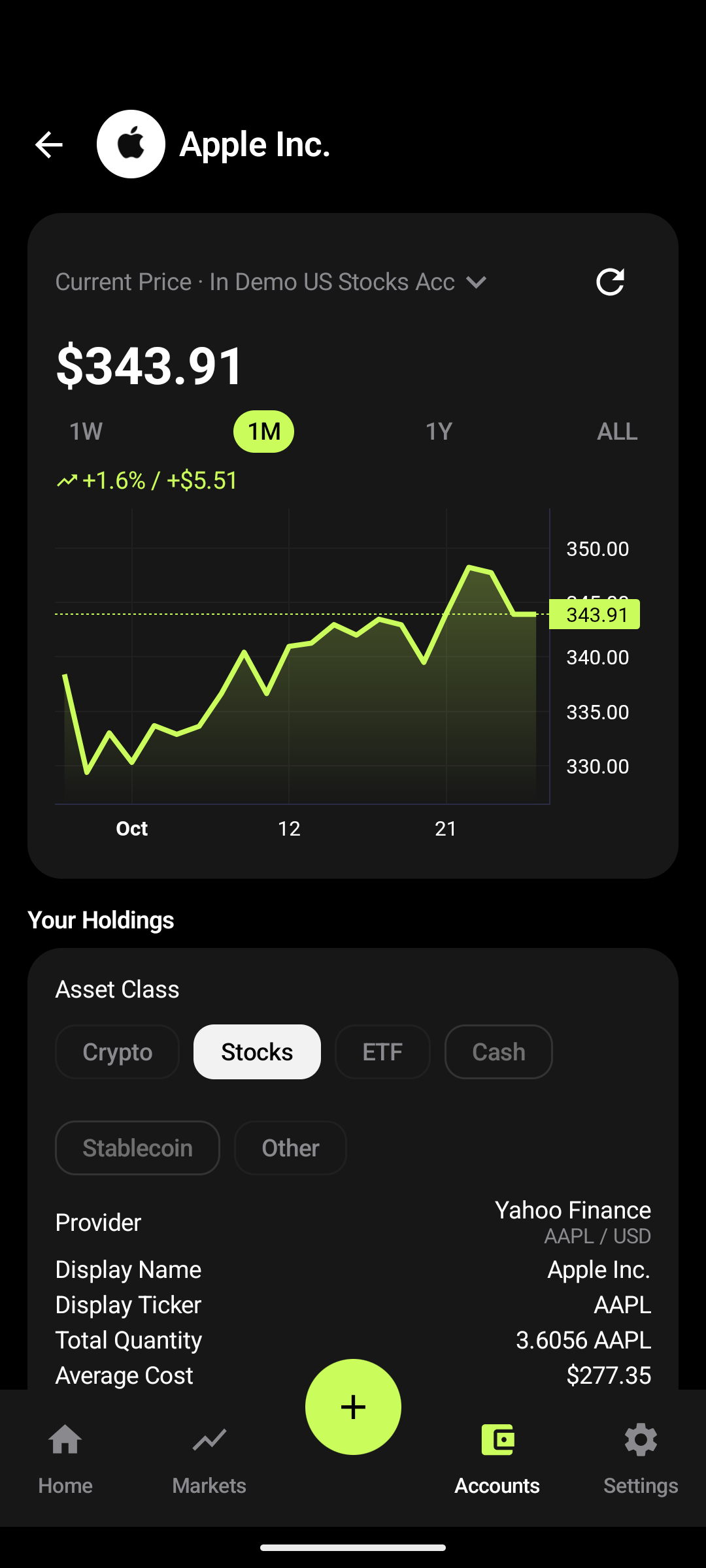
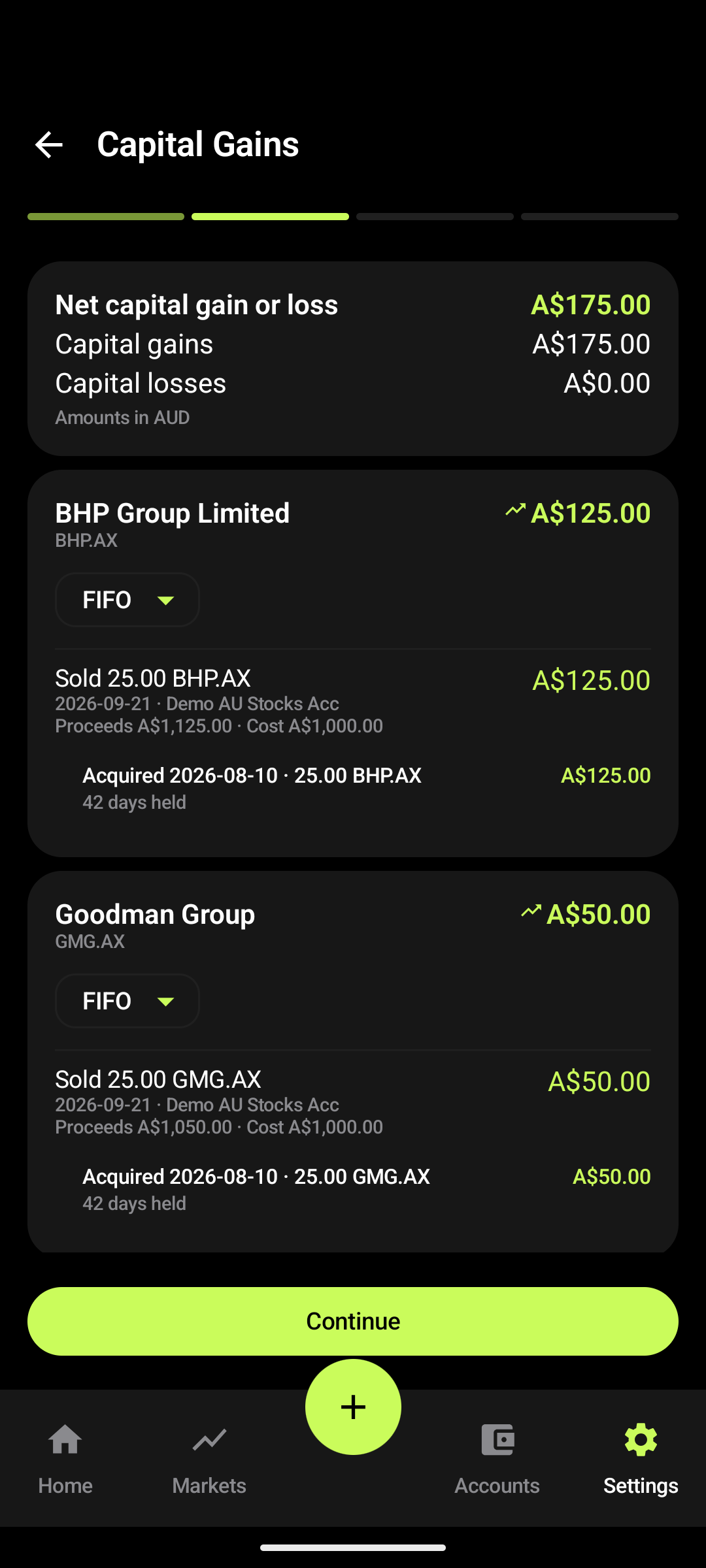
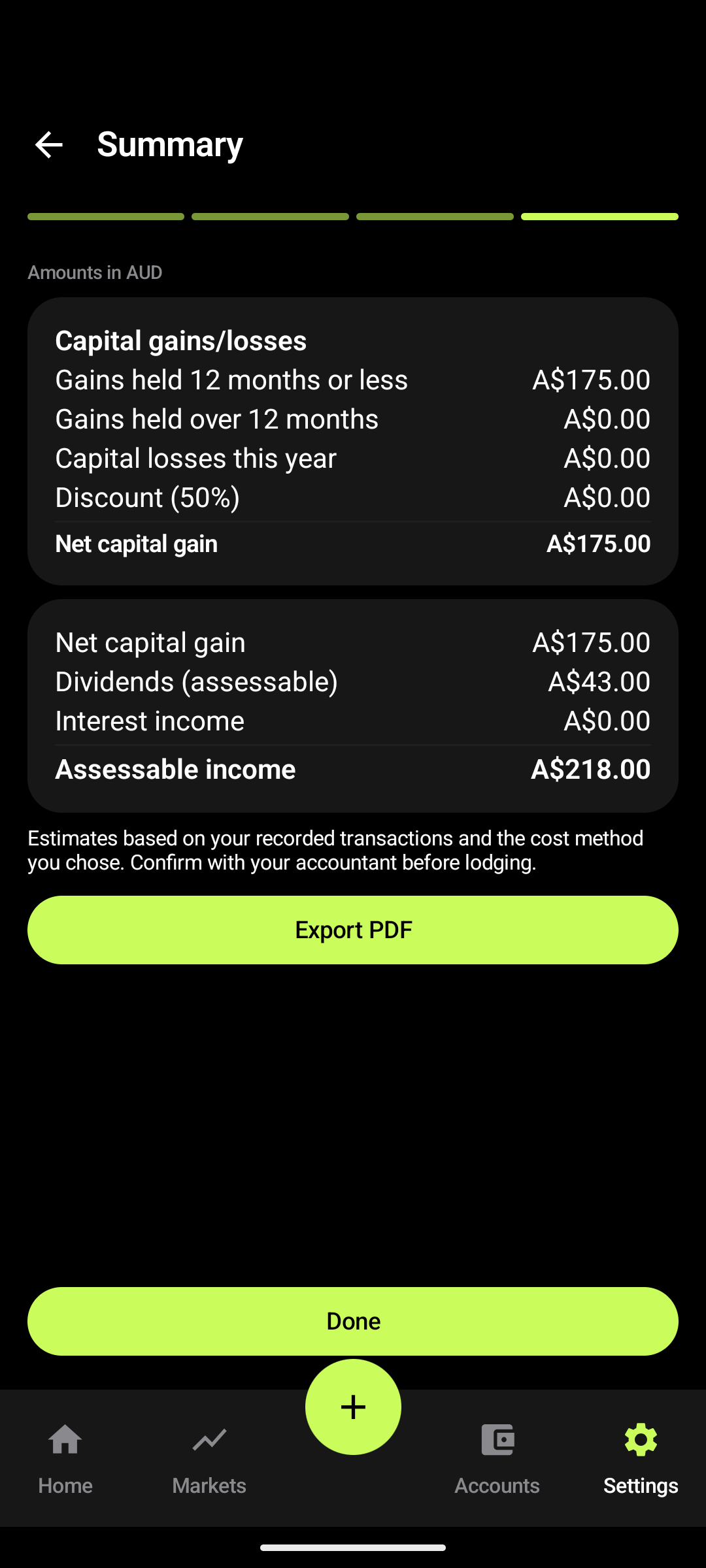
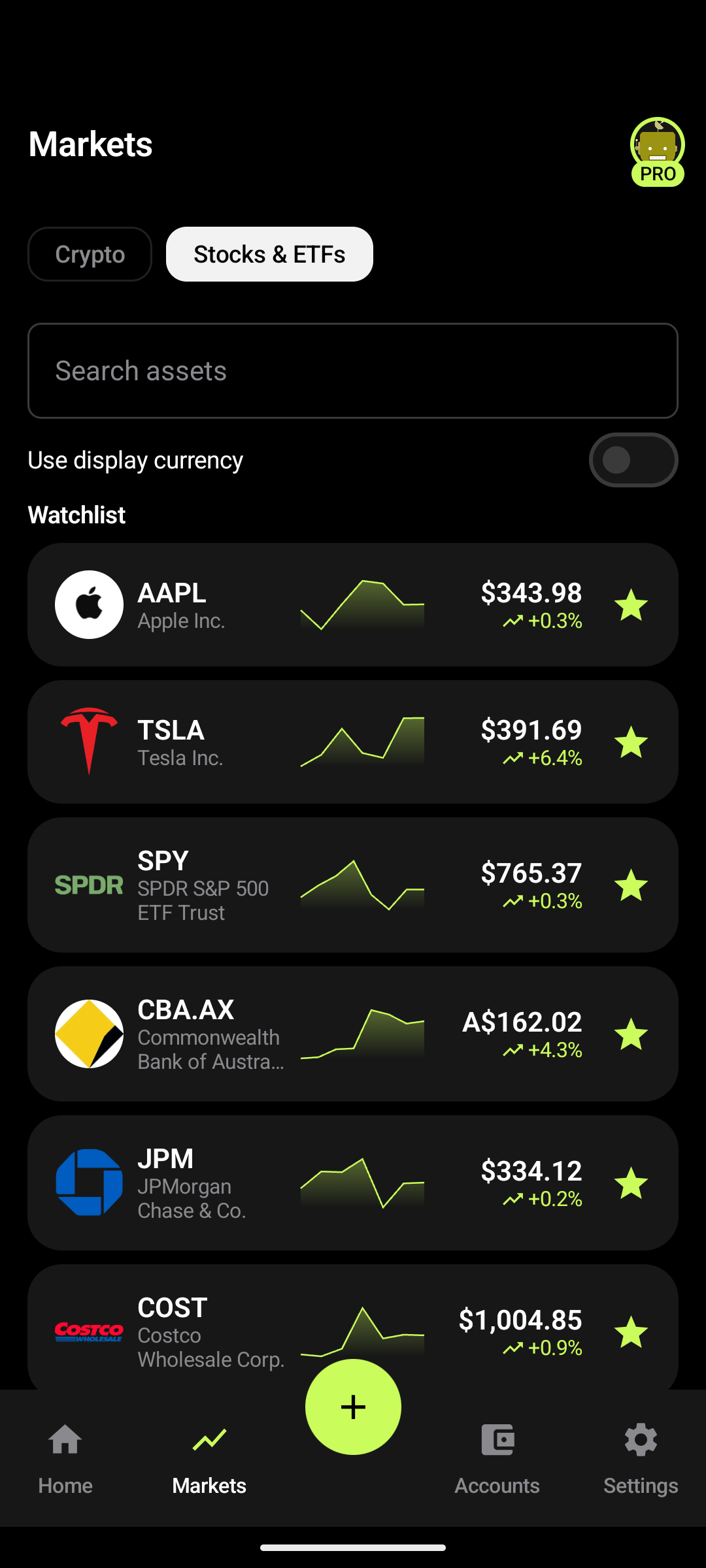
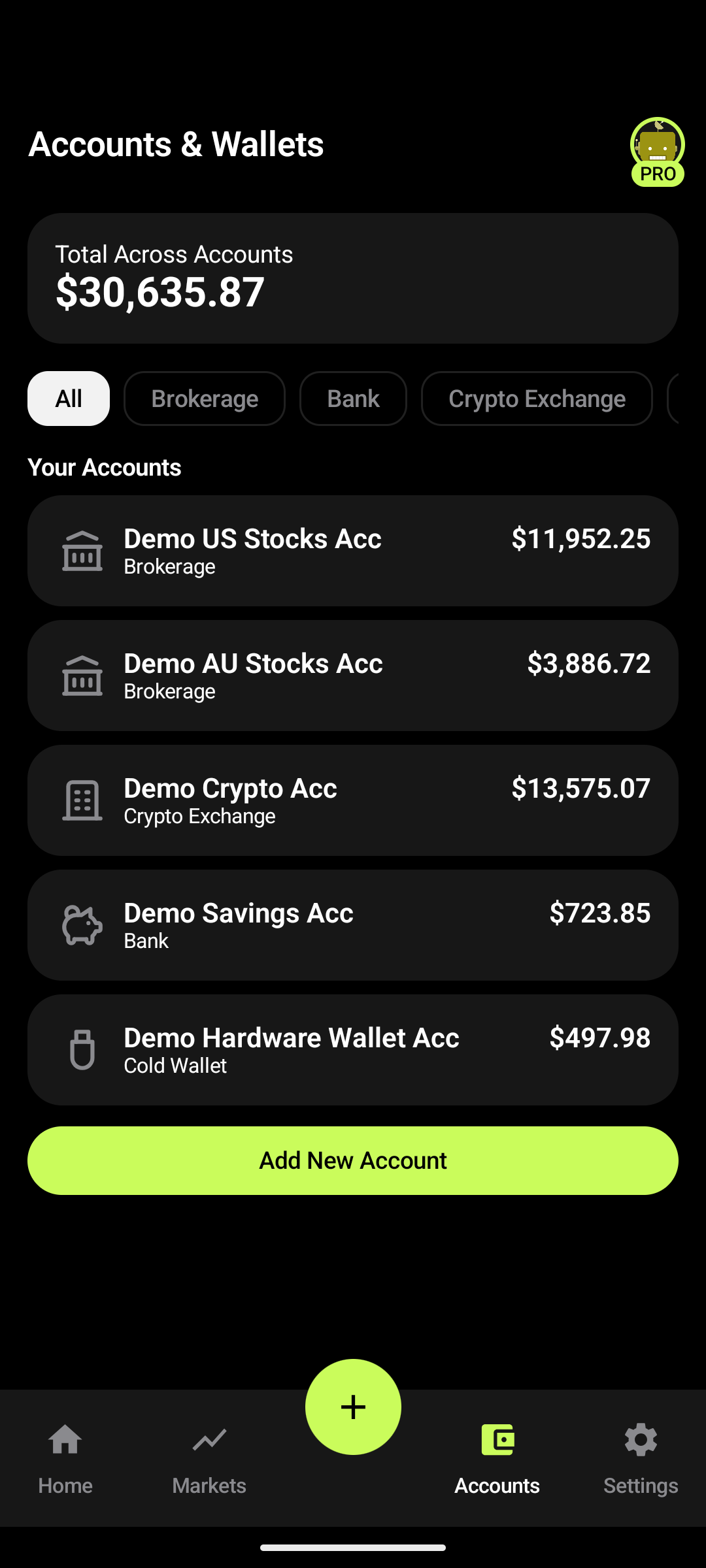
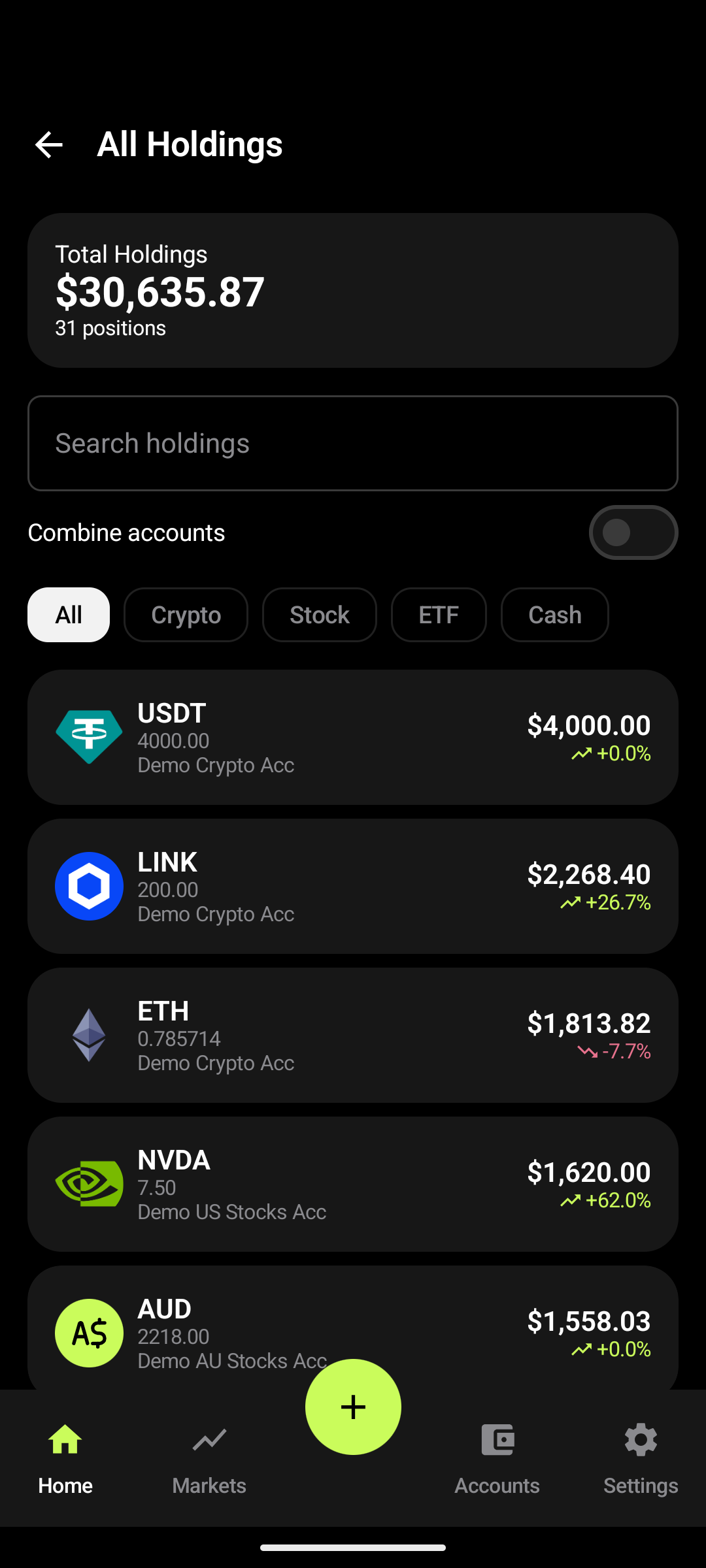
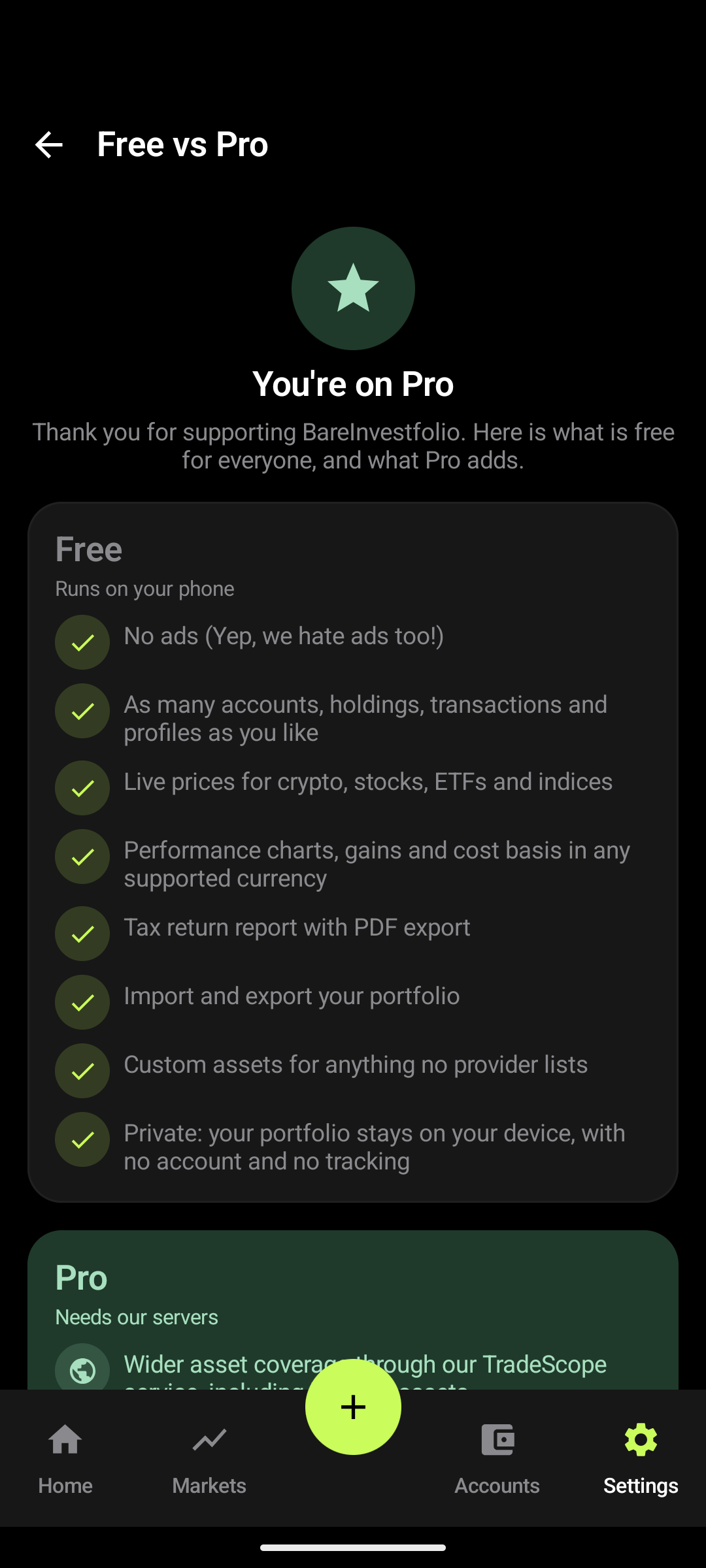
Screenshots show a demo portfolio. Prices and values are illustrative.
You enter your own accounts and transactions, or import them from a CSV, and the app does the rest on your phone.
From your ledger the app works out what you own, what it is worth, what it cost and how it has performed, over a week, a month, a year or all time, in 16 supported currencies.
Prices are free for crypto, stocks, ETFs and indices. Pro, which is optional, adds wider coverage through our own TradeScope price service. Everything that can run on your phone is free.
BareInvestfolio treats your records like a ledger, so the numbers it works out are built on what actually happened.
A crypto-to-crypto swap is one linked event with an outgoing and an incoming leg, not a fake sale followed by a fake purchase.
Swapping BTC for SOL does not need a fake fiat leg.
Moving coins between two of your own wallets is an internal transfer: no sale is recorded and the cost basis carries over, along with acquisition dates.
Dividends, interest, fees and withholding tax each have a place too.
Free in the app. A guided four-step report (Period, Capital Gains, Income, Summary) that exports as a PDF for you or your accountant.
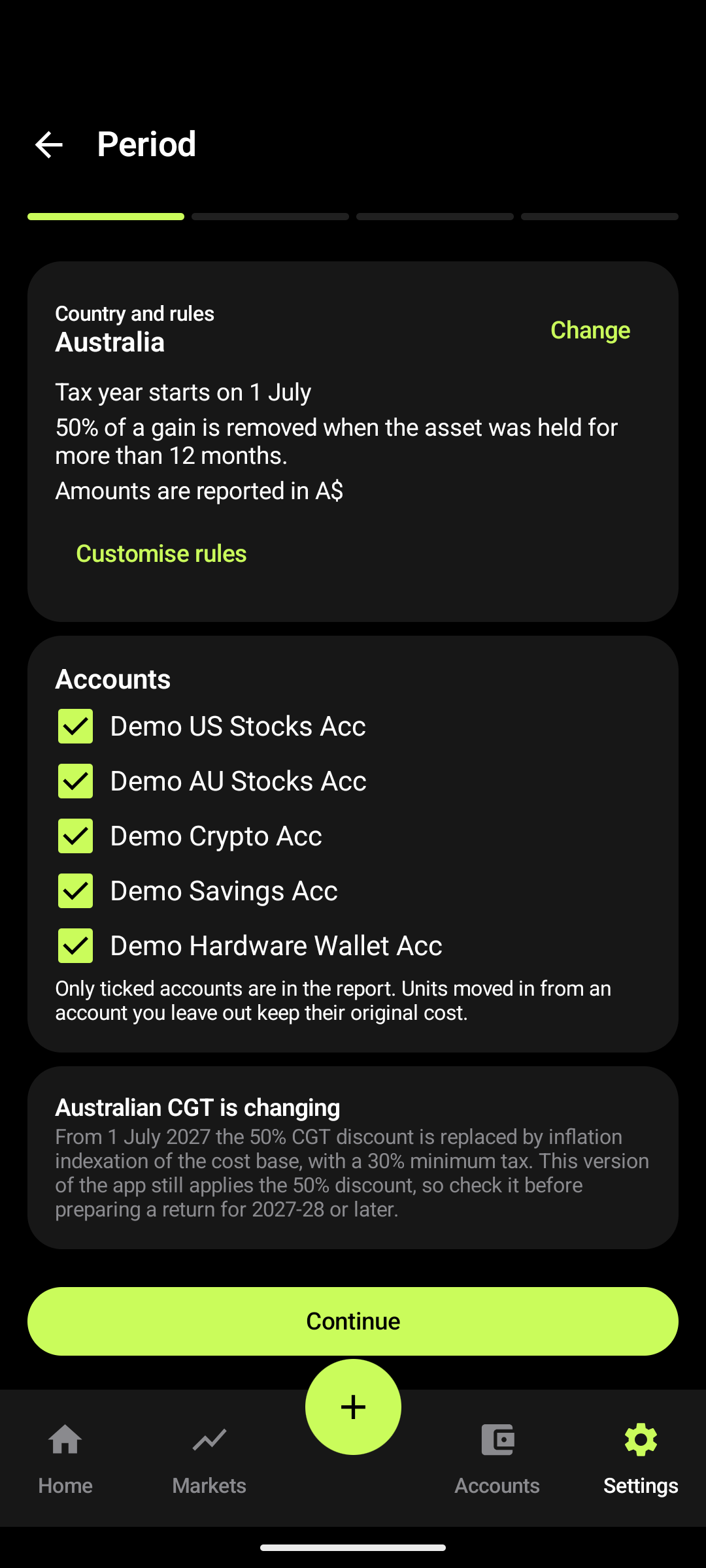
Australia, Brazil, Canada, Germany, the United States, and a no-gains-tax preset (for example New Zealand and the Netherlands). Every rule can be adjusted, and the report states the rules it used and flags any you changed.
FIFO, LIFO and HIFO, per asset. Choose which accounts are in the report, then export it as a PDF.
Estimates based on your recorded transactions and the rules you choose. Confirm with your accountant before lodging.
BareInvestfolio is a tracking tool. It does not provide financial, investment, legal, accounting or tax advice.
On tablets and unfolded foldables, Home, Markets and Accounts open in two panes.
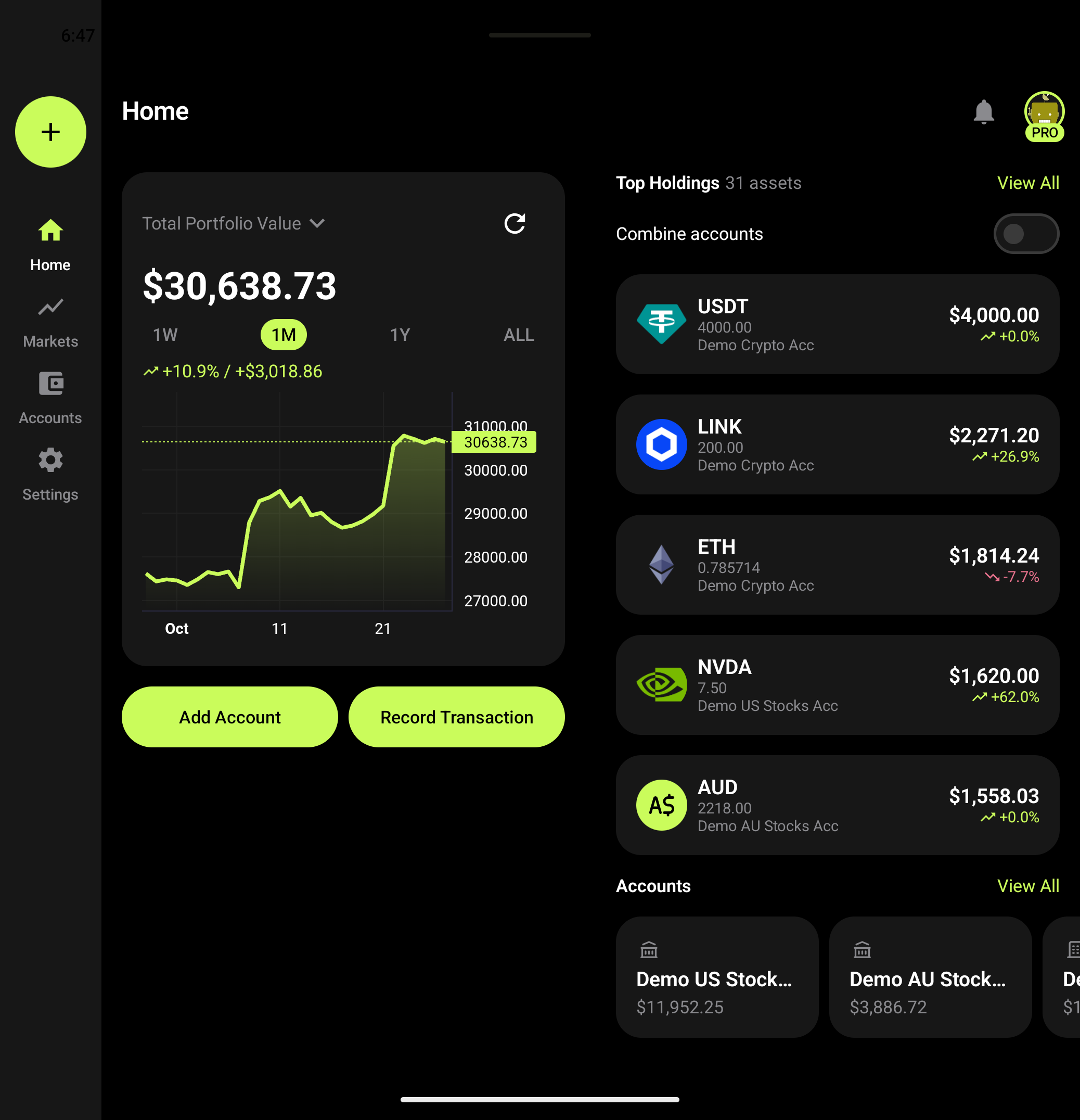
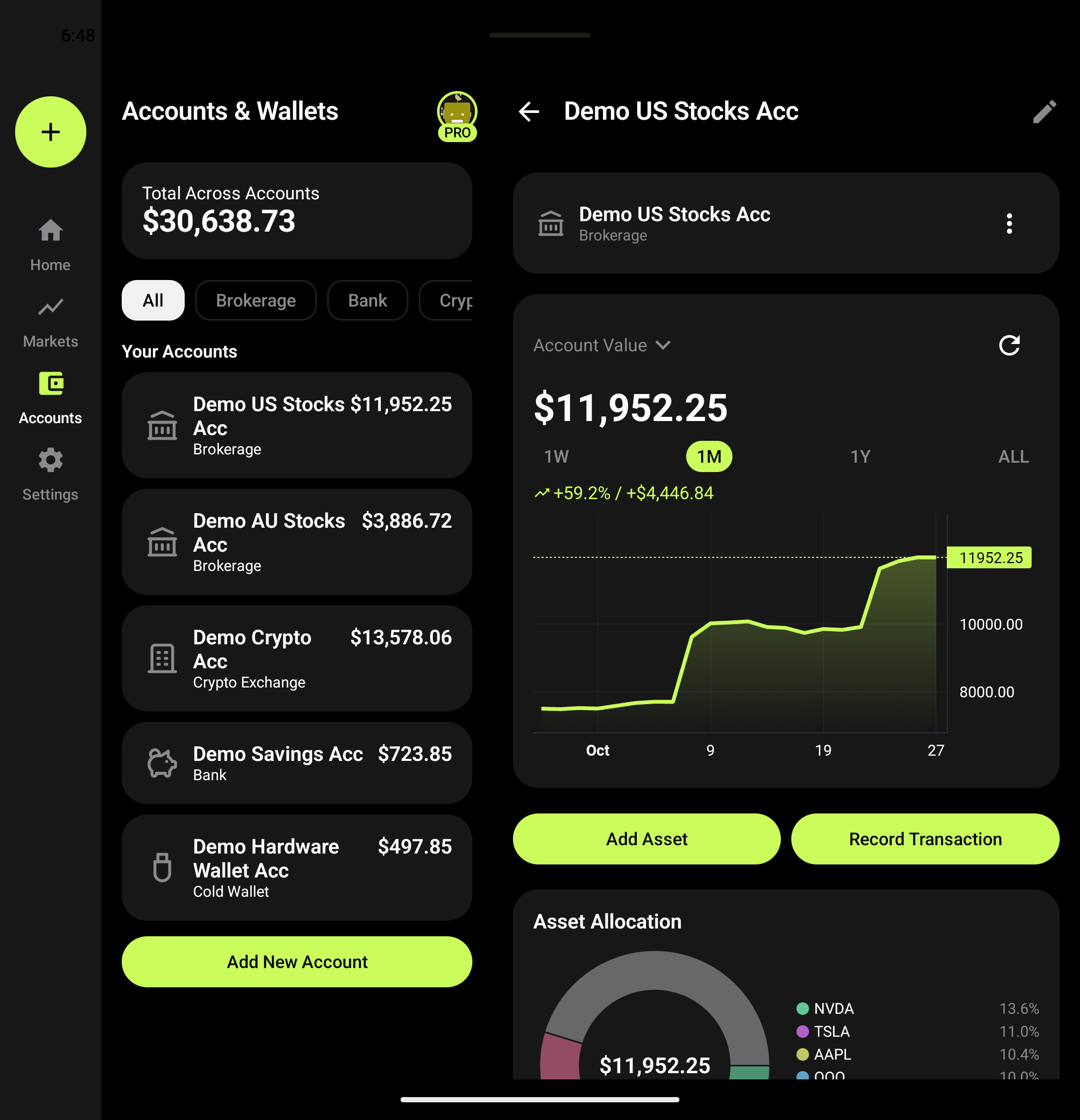
Screenshots show a demo portfolio. Prices and values are illustrative.
Everything that can run on your phone is free. Pro pays for the servers behind the extras.
Pro is an optional monthly or yearly subscription purchased in the app store. See the price in the app.
No. There is no sign-up. Your portfolio is stored on your device.
Yes. Everything that can run on your phone is free, including live prices, charts and the tax report. Pro is optional and adds wider coverage through our own price service.
No. You record transactions yourself or import a CSV. The app never asks for your brokerage or bank credentials.
On your device, in the app's private storage. It is included in your device's own backup if you have backup turned on. Export a CSV any time.
Crypto, stocks, ETFs, indices, cash and stablecoins, plus custom assets for anything a provider doesn't list.
No. It is an estimate based on your own records and the rules you choose, and it is meant to help you and your accountant. Check it before you lodge anything.
Presets for Australia, Brazil, Canada, Germany and the United States, and a no-gains-tax preset. Every rule can be edited.
BareInvestfolio is for Android and iOS. The Android app (Android 13 or newer) is in testing, and the iOS app is in development. Neither is released yet.
English, German, Spanish, French, Italian, Japanese, Brazilian Portuguese, Russian and Chinese.
In the app: Settings > Free vs Pro > Upgrade to Pro > "Have an activation code?".
The Android app is coming to Google Play and the iOS app is in development. Questions in the meantime? Email us. We reply within 5 business days.
Multiplatform. Android: in testing. iOS: in development.